
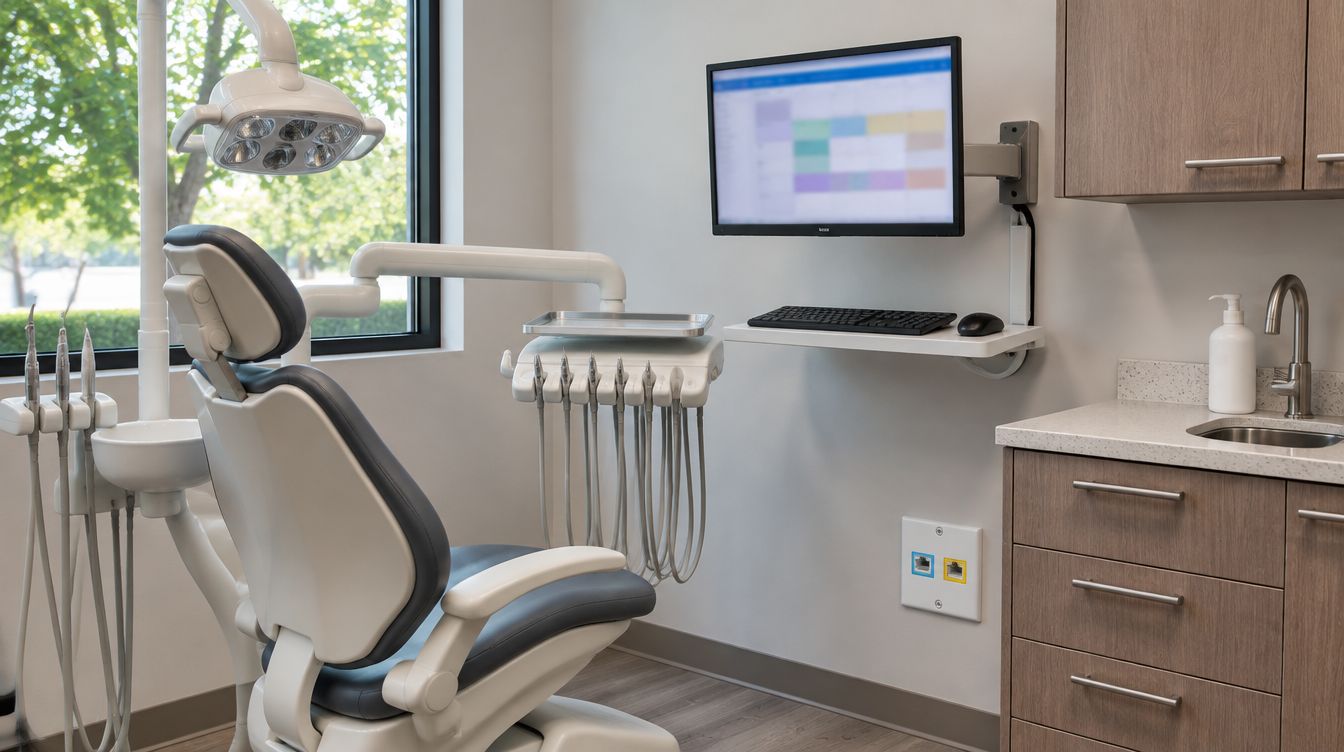
When the buildout is finished, a Charlotte practice can keep ClearMax Labs looking after what was installed: the computers, the network, the server and backups, staff accounts, monitoring and cybersecurity. The plan starts from the buildout's own records, so day one is not spent finding out what is plugged in where. It is optional: a buildout needs no plan, and a plan needs no buildout.
Last updated: November 2026
What a managed plan looks after
- Computers. Updates, security patches, new-hire setup and everyday problems on the covered machines, including the chairside computers that run sensor software.
- The network. The firewall, switch and access points, and the walls between the clinical, staff and guest networks.
- Monitoring. The server, backups and network equipment are watched for warnings, so a failing drive or a full disk is caught before it stops the schedule.
- Cybersecurity. Protection on each computer and at the firewall, kept current and reviewed as part of the plan.
- People joining and leaving. A new assistant gets a login, an email account and a door fob the morning they start; someone who leaves loses all three the same day.
- Vendor calls. When the dental software misbehaves, the ticket goes to its vendor on the practice's behalf.
Why the buildout records make the first month easier
Most plans start with weeks of discovery: which cable goes where, who knows the firewall password, whether last night's backup is real. After a ClearMax buildout, the drop map and port list, the WiFi readings and network settings, the door and camera lists, and the server build already exist and become the plan's documentation from the start.
That shows most when something changes. A new operatory, a replacement sensor or a front desk reshuffle starts from a drawing that says which port and which network each device belongs on.
Backups held to North Carolina's record rule
A backup that only covers last month is not much use to a dental office here. North Carolina's dental board requires a dentist to keep treatment records on all patients for 10 years from the last treatment date, under 21 NCAC 16T .0101. The plan keeps backup copies on that horizon and tests restores from older copies as well as recent ones, so the practice knows a chart from years back can actually be opened.
Planning for the long outage
Ice and wind take the power out in this part of the state for longer than a closet battery lasts. After the December 2002 ice storm, the state Utilities Commission's review counted a peak of 1,042,034 Duke customers in North Carolina without service, 62 percent of 1,675,361. A plan covers what happens to the server and network when the power is gone for days, and the order everything comes back so the practice can see patients again quickly.
How the office reaches the desk
One phone number and one email address reach the ClearMax support desk. Each request becomes a numbered ticket, and it closes when the person who raised it agrees the problem is fixed. Work that needs someone in the building is booked with a ClearMax technician. Coverage, response targets and what the plan includes are set out in a written proposal, so the line between covered work and a new project is clear before anything is signed.
What sets the cost
Scope: the number of computers and staff, the network equipment in the closet, whether a server is covered, and how much of the office is already documented. The figure is set in the written proposal after a conversation about the practice. Nothing about it is published here.
Managed IT questions from Charlotte offices
Can we start a plan without a ClearMax buildout?
Yes. The plan begins with an inventory of the equipment already in the office.
Can a plan replace our current IT company?
Yes. Before the switch, each password, license, backup account and the domain is moved into the practice's own name, so nothing is held back.